


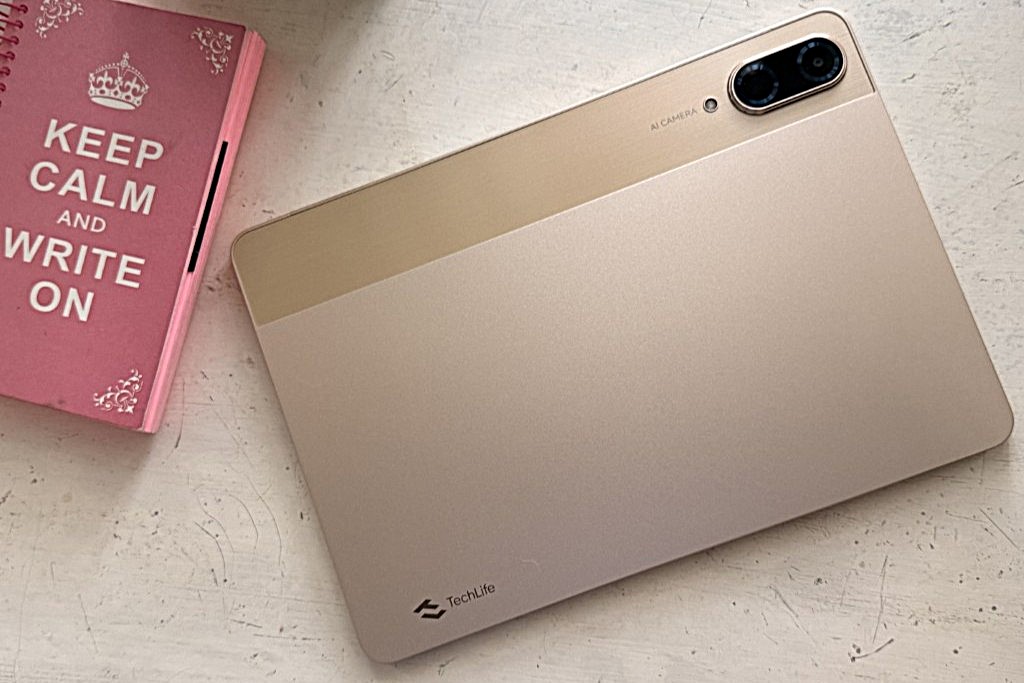
The TechLife Pad Pro 12″ sits in that tech space where tablets try to be a little bit of everything. Your study buddy, your Netflix screen, your meeting machine, and sometimes your gaming device.
For ₱13,999, it delivers more than expected, and while it isn’t perfect, it’s surprisingly capable for the price.
Display: A roomy, crisp space to work and unwind
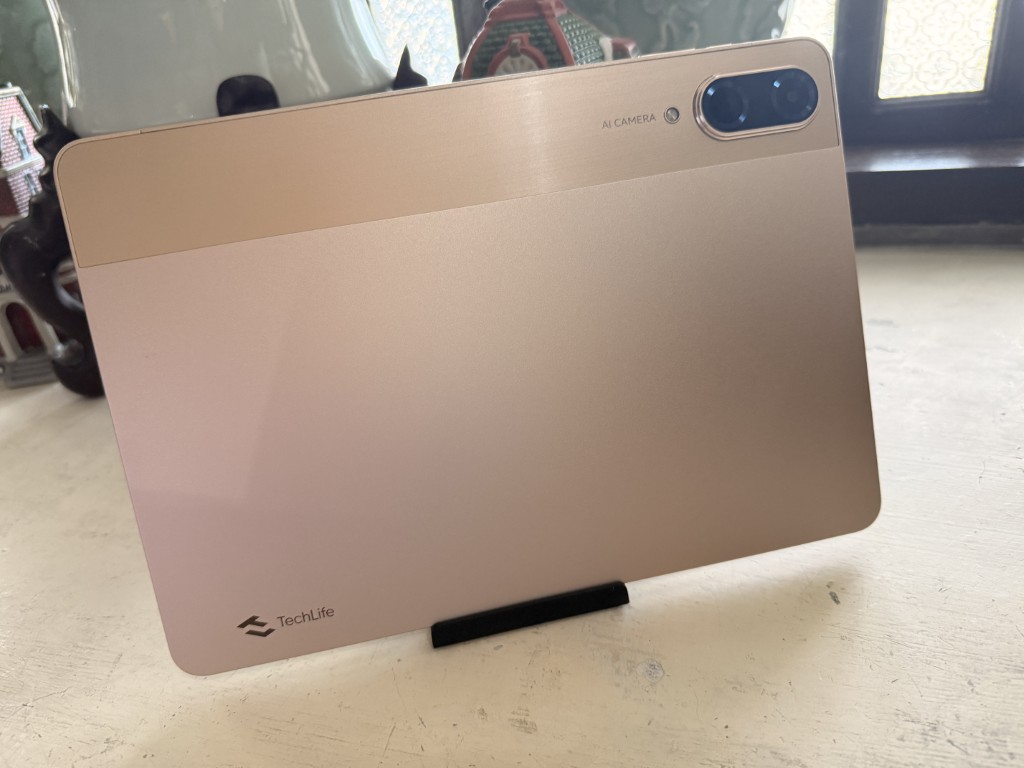
You get a 12.2-inch 2.4K (1600×2400) IPS LCD with a 90Hz refresh rate and 85% screen-to-body ratio. Sharp for reading, smooth for scrolling, and big enough to comfortably run two apps side by side. At 480 nits, it handles indoor use easily and stays decently visible outdoors.
Performance: Great for work, decent for gaming—with caveats
The tablet runs on a MediaTek Helio G200, with
• 2× Cortex-A76 @ 2.2GHz
• 6× Cortex-A55 @ 2.0GHz
• Mali-G57 MC2 GPU
• 500k+ Antutu score
For everyday tasks (docs, email, socials, browsing) it’s smooth and stable.
But let’s talk gaming, because this is where my real-world experience differs from the marketing.
Mobile Legends runs very well even on higher settings, so MLBB players are good to go.
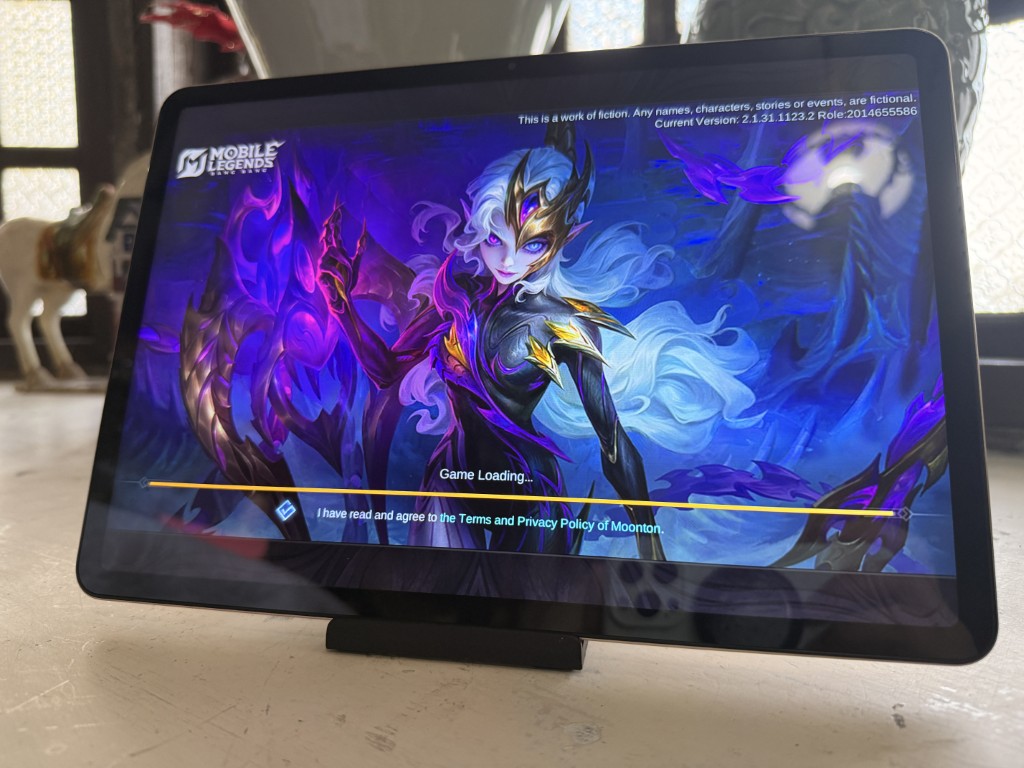
However, when I tested Cookie Run Kingdom, the experience wasn’t quite as smooth. Even on medium settings, there were very noticeable frame drops. It’s playable, but not the most consistent experience.
So while the tablet can handle lighter and well-optimized titles nicely, gamers with heavier or more demanding requirements will definitely want something more powerful.
Battery: A big win
With a 10,000mAh battery, the Pad Pro can easily last a full day.
Expect around:
• 8 hours streaming
• 25 hours mixed use
• 41 days standby
• 33W fast charging (50% in 50 minutes, full in ~2h 45m)
Keyboard Accessory: A surprisingly useful add-on
TechLife also offers a keyboard accessory for ₱1,999, and it’s worth picking up if you plan to use the tablet for work or school.
Paired with PC Mode, it creates a more familiar laptop-like experience, something I personally appreciate since I struggle to work purely within tablet UIs.
It would’ve been great if TechLife also offered a stylus or pen accessory.
A tablet this size practically begs for note-taking, sketching, or annotation, and the absence of a pen option feels like a missed opportunity.
Audio: Loud and clear
The quad stereo speakers are surprisingly strong. Not audiophile-grade, but they’re loud, crisp, and great for bingeing shows or casual gaming.
Cameras: Simple and functional
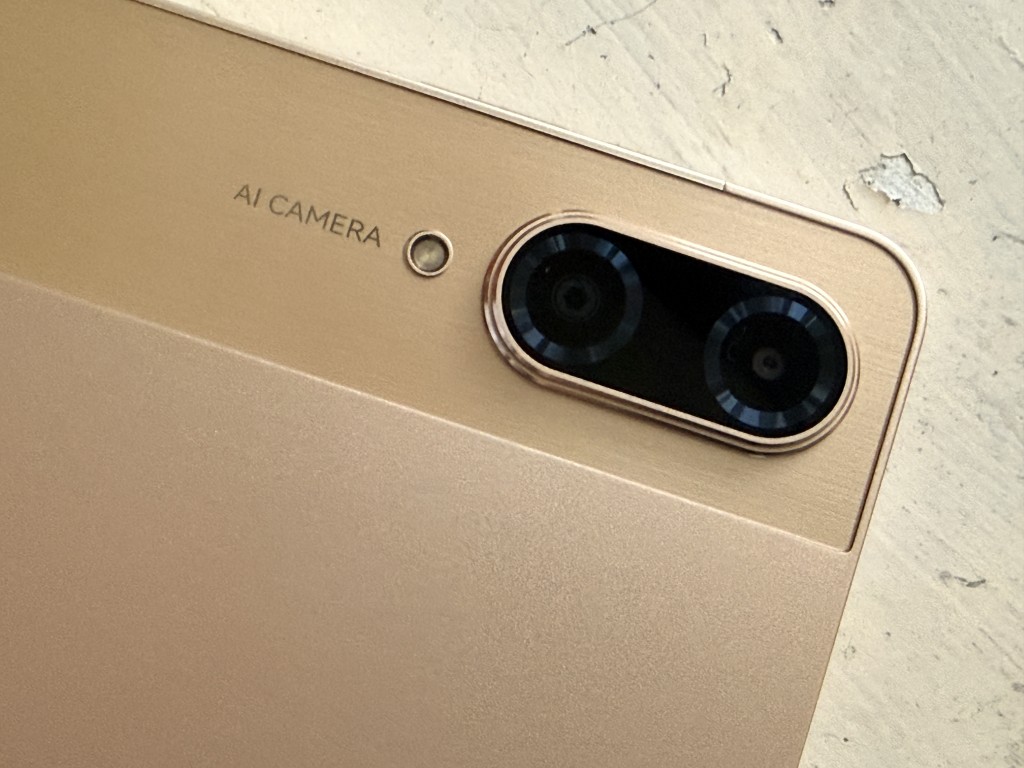
You get a 13MP rear camera and an 8MP front camera that’s positioned for landscape video calls.
They’re not meant to replace a phone, but they’re perfectly fine for classes, meetings, and scanning documents.
Storage and connectivity
• 8GB RAM + 8GB dynamic RAM
• 256GB storage
• Up to 1TB microSD
• OTG up to 2TB
• 4G LTE / VoLTE / dual SIM
More flexible than many tablets in the same range.
PC Mode: My personal favorite feature
Tablet UIs aren’t my natural habitat. Even high-end tablets feel a little unfamiliar for “real work.” That’s why I appreciated the Pad Pro’s PC Mode more than expected.
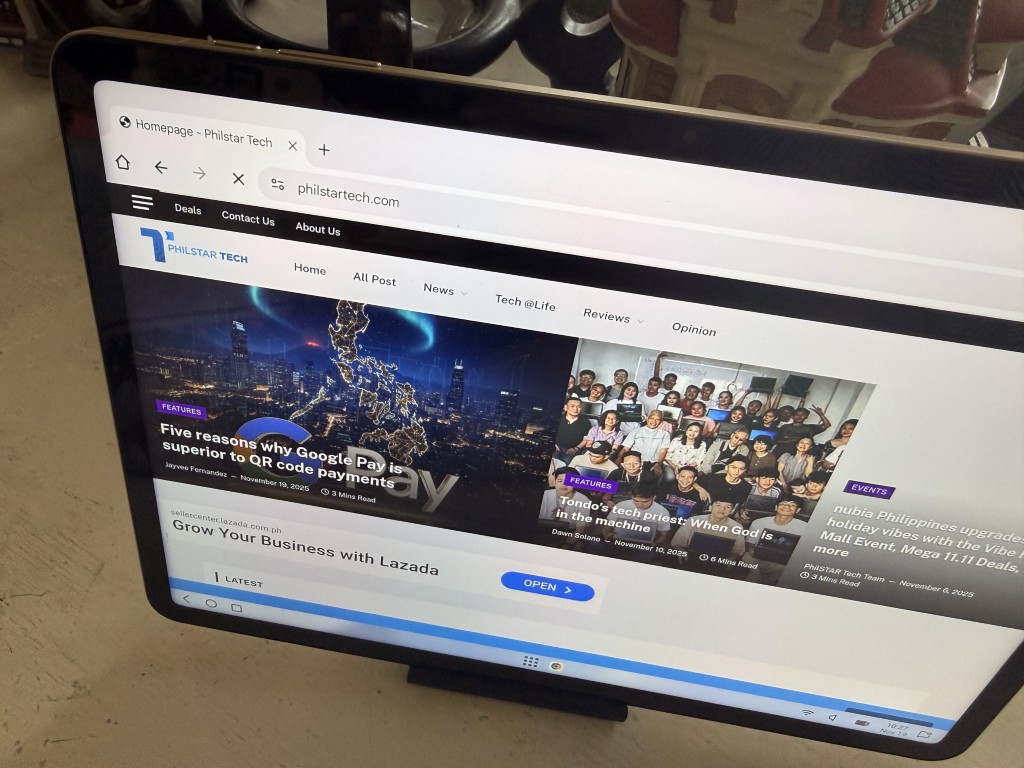
With a taskbar, windowed apps, and full keyboard/mouse support, it becomes a friendlier space for productivity.
It doesn’t replace my laptop, but it makes the tablet usable for emails, documents, and light multitasking without fighting the interface.
Software and extras
Running Android 15, you get:
• Split-screen
• Picture-in-picture
• Freeform windows
• Google Kids Space
• Screencast
• Support for Google Gemini
Design and colors
Available in Storm Grey, Ashy Cyan, and Radiant Gold, all clean and minimal.
Before you hit add to cart
The TechLife Pad Pro 12″ delivers great value for its price: a big, crisp display, long battery life, dependable performance, and LTE connectivity.
PC Mode and the optional ₱1,999 keyboard make it a genuinely practical device for school and light work. And while the keyboard accessory is great, the absence of a pen option leaves a small gap in the creativity and productivity department.
For gaming, it performs well with MLBB but struggles with more demanding or poorly optimized titles.
But as a daily tablet for entertainment, studying, meetings, and general use, it’s a solid pick. Easy to recommend, especially at the price of P13,999.
