


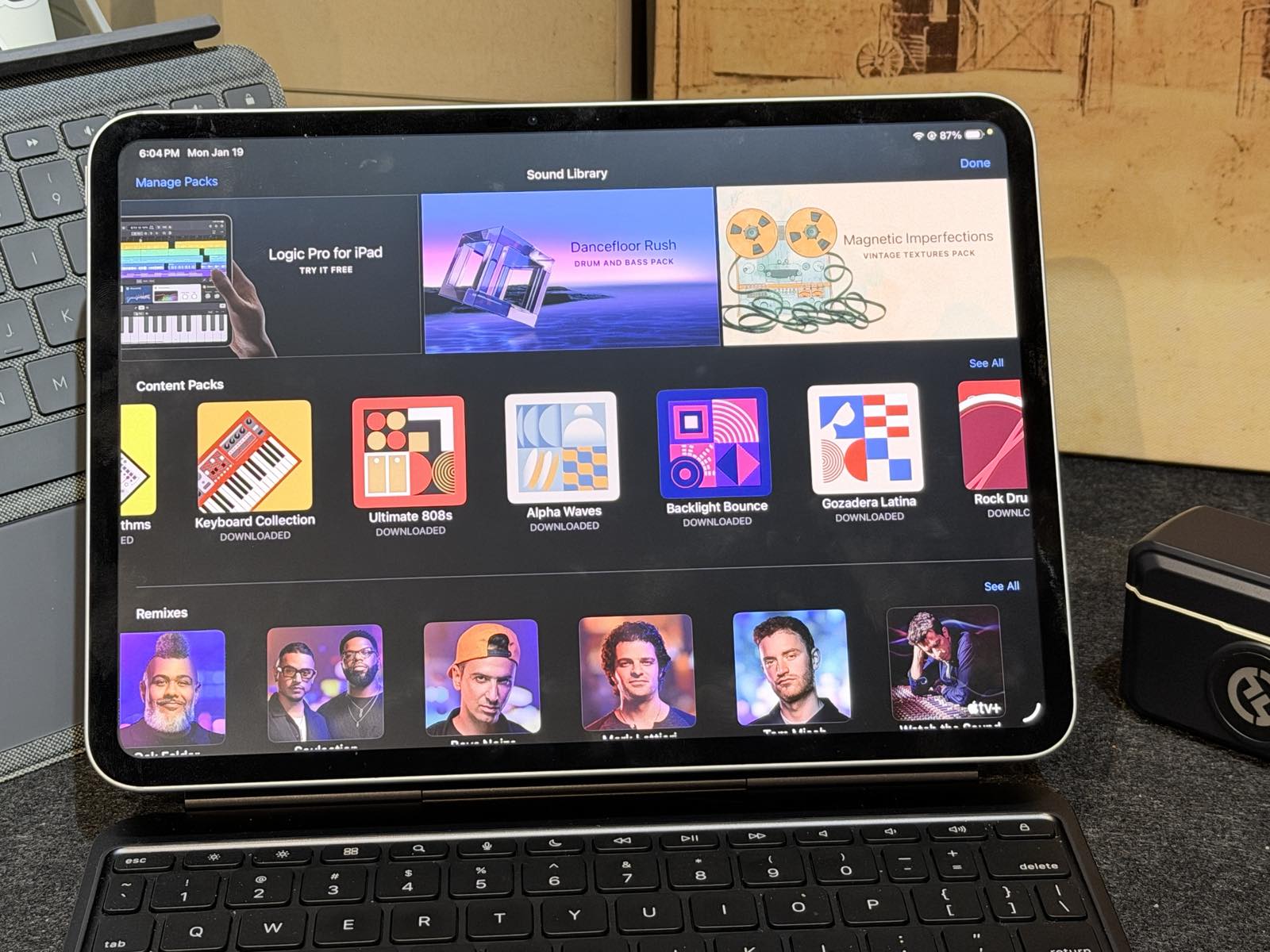
I’ve been using the iPad since 2021 to create music for different videos. Because of iCloud, I’m able to sync my previous tracks to my 2025 iPad Pro M5 from my iPad Pro 11 inch (the M1 series released in 2021). Ever since Garageband implemented the “DJ format” of creating music on a tablet, this became my intuitive go-to for creating music. I think when people ask whether they should get a Macbook Pro or an iPad since there are intersecting use cases, I really just ask if they do a lot of things with their hands — handling tracks on Garageband or drawing with the Apple Pencil — these are two use cases that you can’t do on Mac OS.
On royalty-free music
If you’re a creator like me posting on multiple platforms, I’m sure you have encountered problems with copyrighted music. That’s because music rights can vary from platform to platform. What may be permissible on TikTok may not work on Instagram and you end up with muted videos and having to re-edit your reel.
So what’s the best workaround for this apart from buying your own royalty-free music?
Well the solution might be a 20 year old software on the Mac and now on your iPad.
OK so story time.
Back in the pandemic days I was part of a local video game startup that made a game called Anito Legends. It was a cross-platform auto-battler that was once available on the App Store. Those days are now long gone but you can still play it if you download it via the Epic Games launcher.
Now we didn’t have a lot of money to play with for capital but we wanted to showcase the best of Filipino talent in art and music so we hired a really good voice actor and composer to work on Filipino-themed music. As we released new features we needed to be wiser with our spending. One such instance was when we released a new game mode called Survivors, which if you’re familiar with gaming lore, is quite similar to Vampire Survivors, a game that me and my co-founders loved.
We didn’t have big budgets to hire more people to make music, and the timelines to release were quite tight. So, I volunteered!
I remember using Garageband several years ago on my Mac to create background music using sound packs. Lo and behold, in 2022, I never knew that there was just a huge ecosystem of free to download packs which you could integrate into your music.
So I got to work. Survivors was a high-intensity game that progressively got harder and harder and I wanted the background music to give off a bit of the 8-bit era vibe because of the graphics style, but also that feeling where you’re constantly grinding for better gear. I spent roughly an afternoon creating this looping track and I really want you to hear it as I play the game.
Garageband is so much more leveled up on the iPad because of the touch controls. Even with very little experience producing music I am able to use the touch screen to line up riffs that sync to a beat, which means you’ll rarely come off as out of tune or out of sync. I am able to program individual loops and instruments but also play them as a whole. You can export the music as WAV or MP3 and directly use the tracks for your project.
The best part, really, is that as a creator, I can legally use my original musical creations whether it’s for a gaming project or a video like this. Just make sure that the tracks you use are all royalty-free, which are clearly stated on the Garageband music pack browser.
