


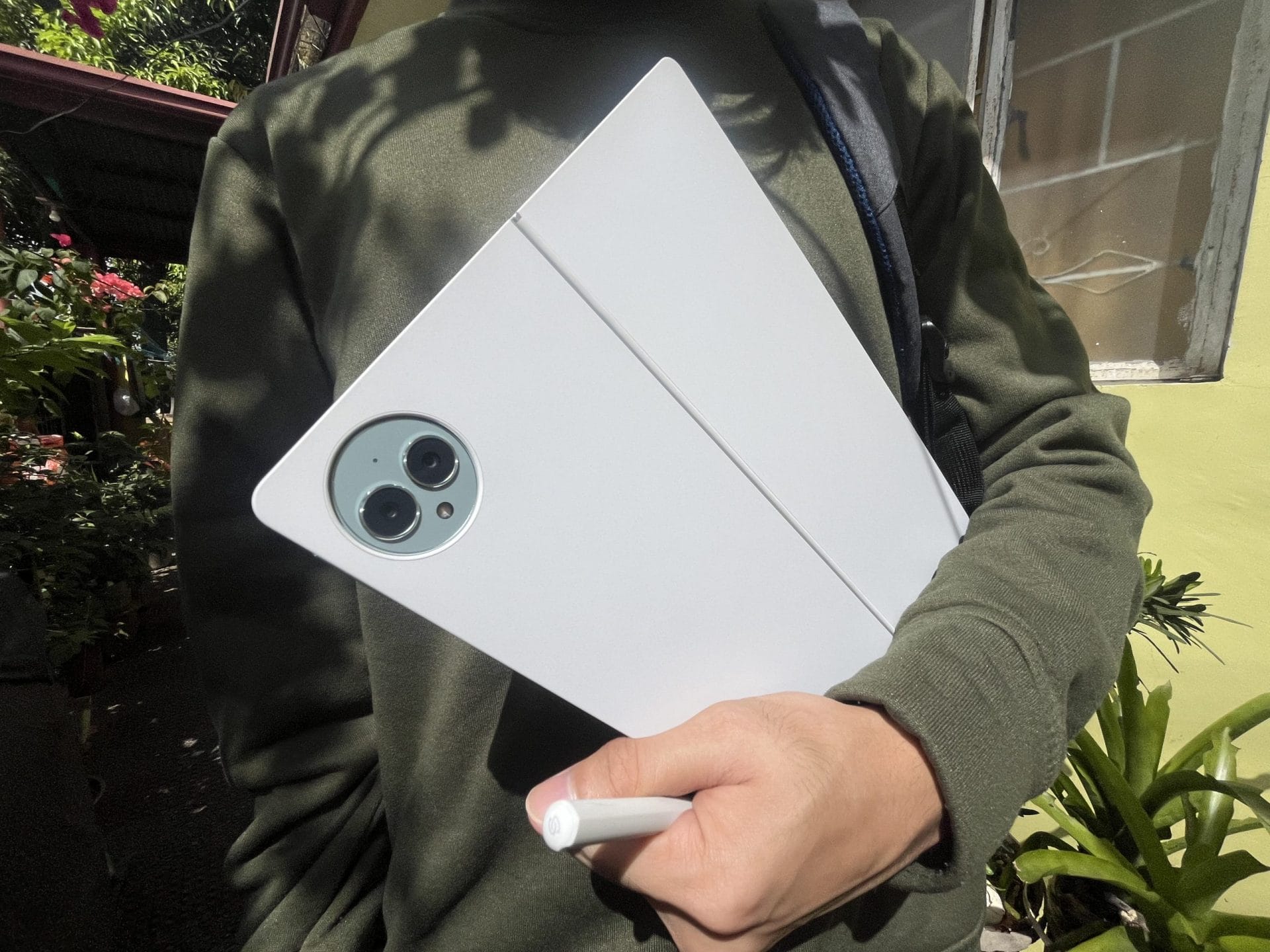
Laptops are much heavier to carry during media coverages. For me, who goes through long travel times, it is a bit of a hassle to hop onto one train to another with a heavy backpack.
So, when PhilSTAR Tech was loaned a unit of the new Huawei Matepad Pro 13.2, I got to check out the life of a tech reporter without any back pain for a week.
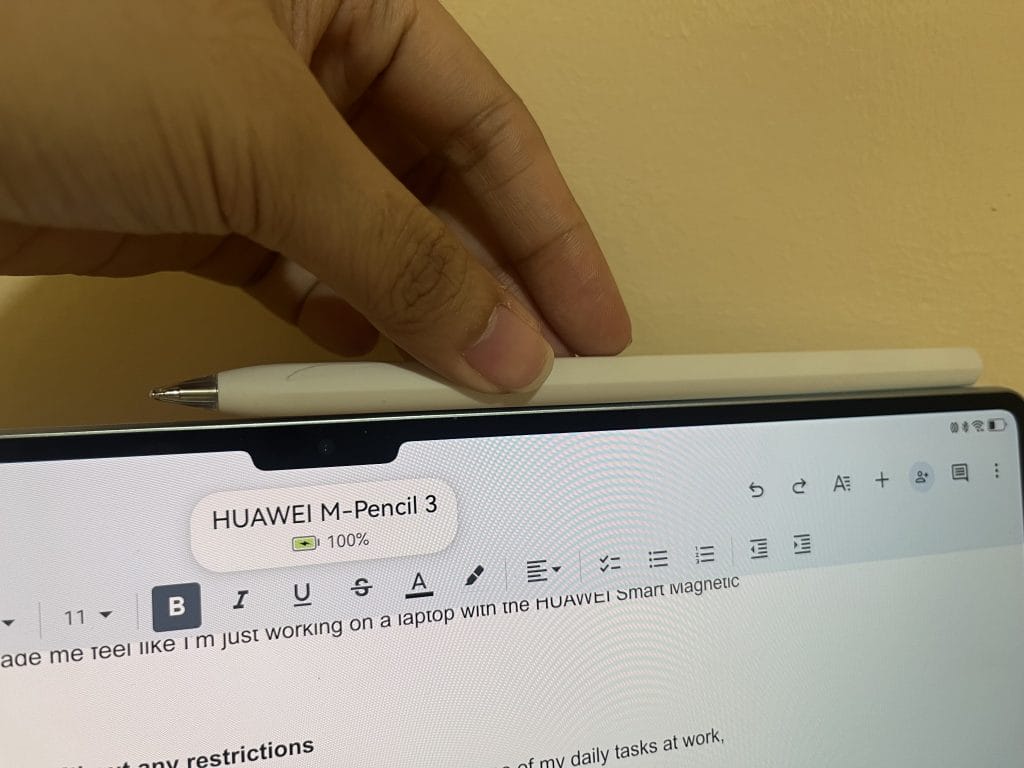
The tablet, only weighing 580 grams including the battery, can easily fit in your laptop bag or work tote bag and still leave a lot of space for your other work essentials.
Here are three major tasks where the Huawei Matepad Pro 13.2 came in handy:
Note-taking made easy, by pen or by keyboard
My notes are my best weapon against forgetting. Voice and video recorders are great, but notes do the work when it comes to remembering and outlining.
I rarely bring my notebook with me during coverages because I already have my laptop with me. So, a tablet’s portability and processing power of a laptop can hit two birds with one stone.
The Notes app in the tablet was my sidekick while I outlined and highlighted key points in a recorded interview. It has useful tools like the laser pointer and the annotate.
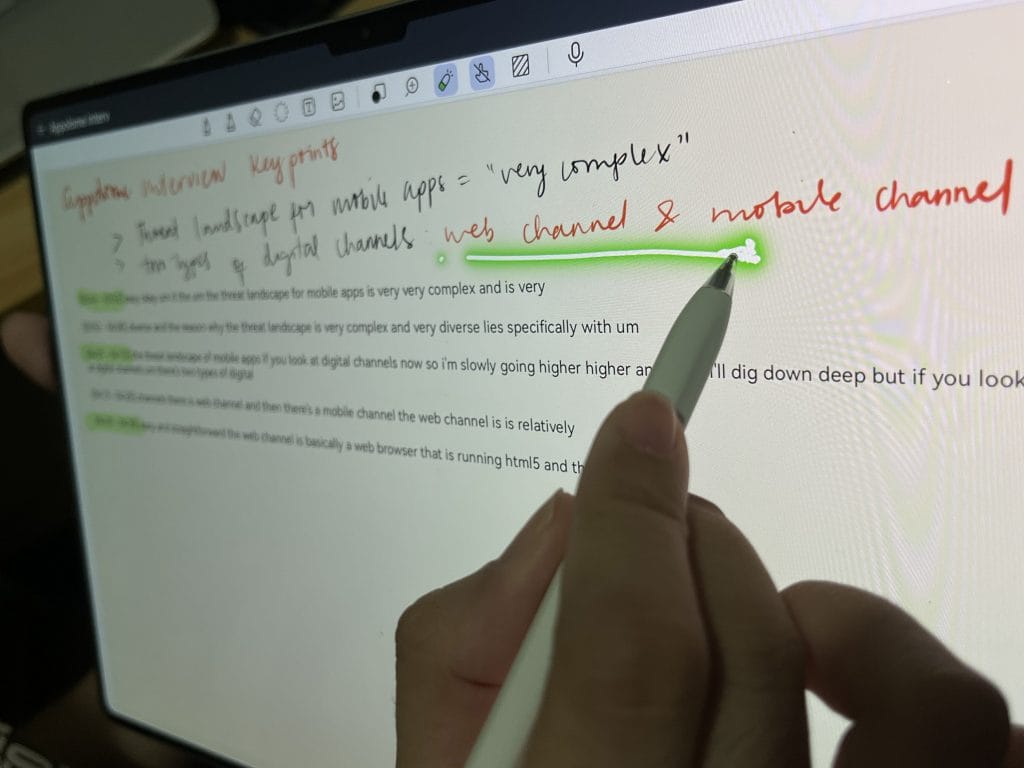
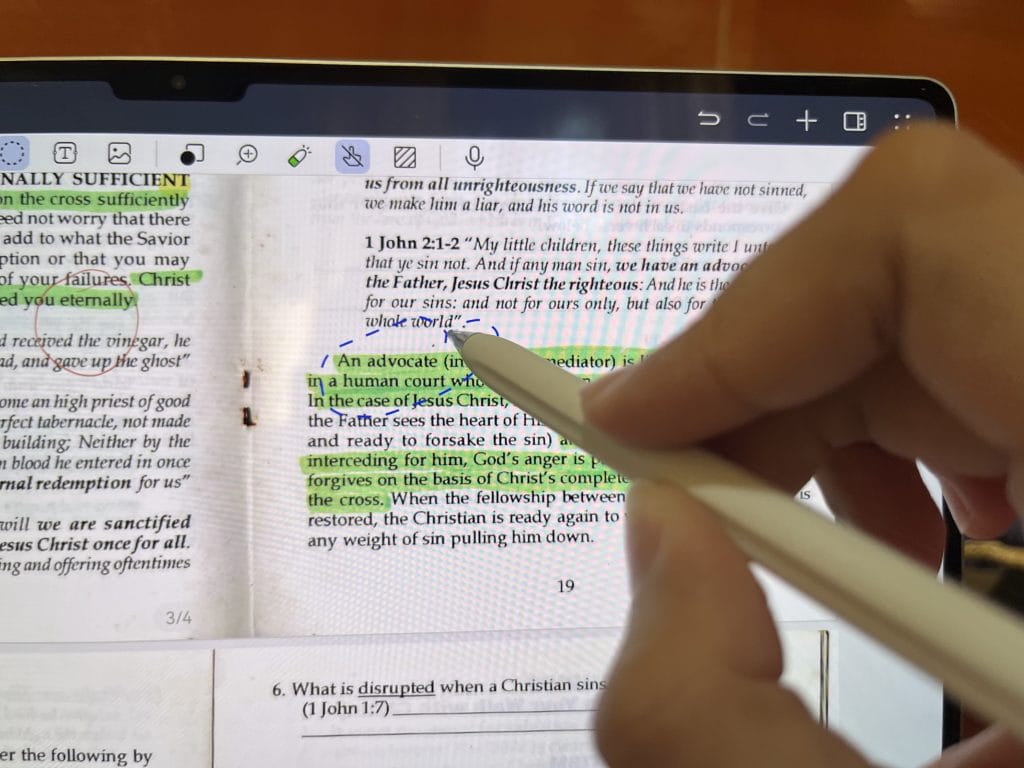
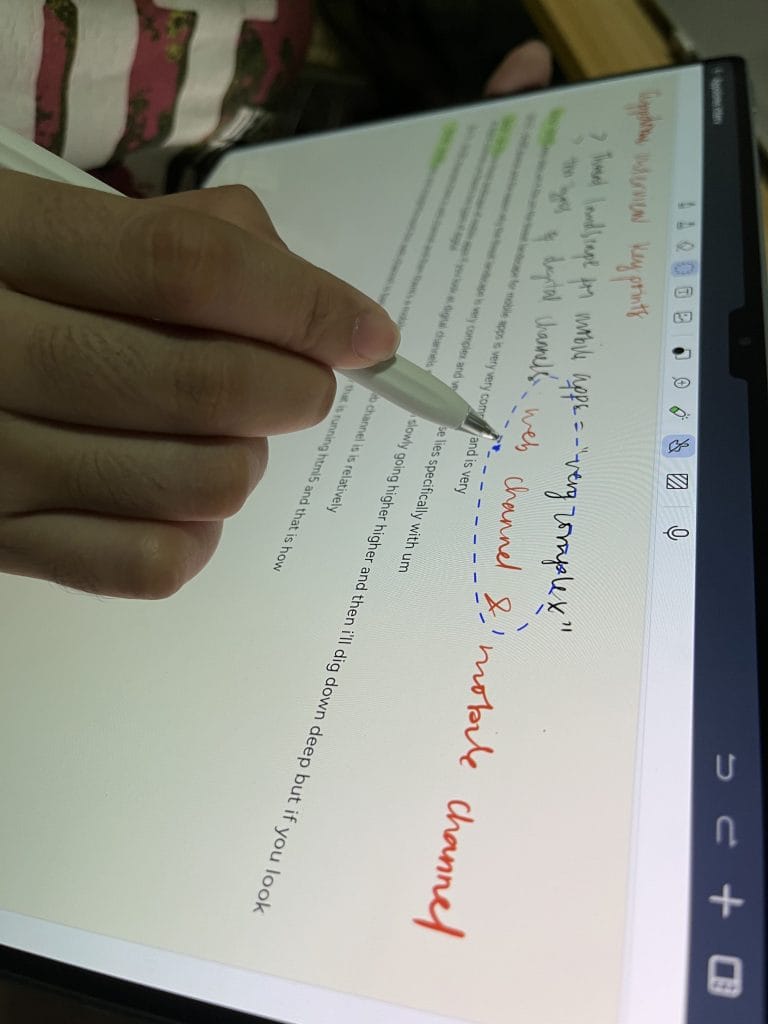
Both of these tools are most useful when you’re trying to share a presentation to a group, may it be in-person or online.
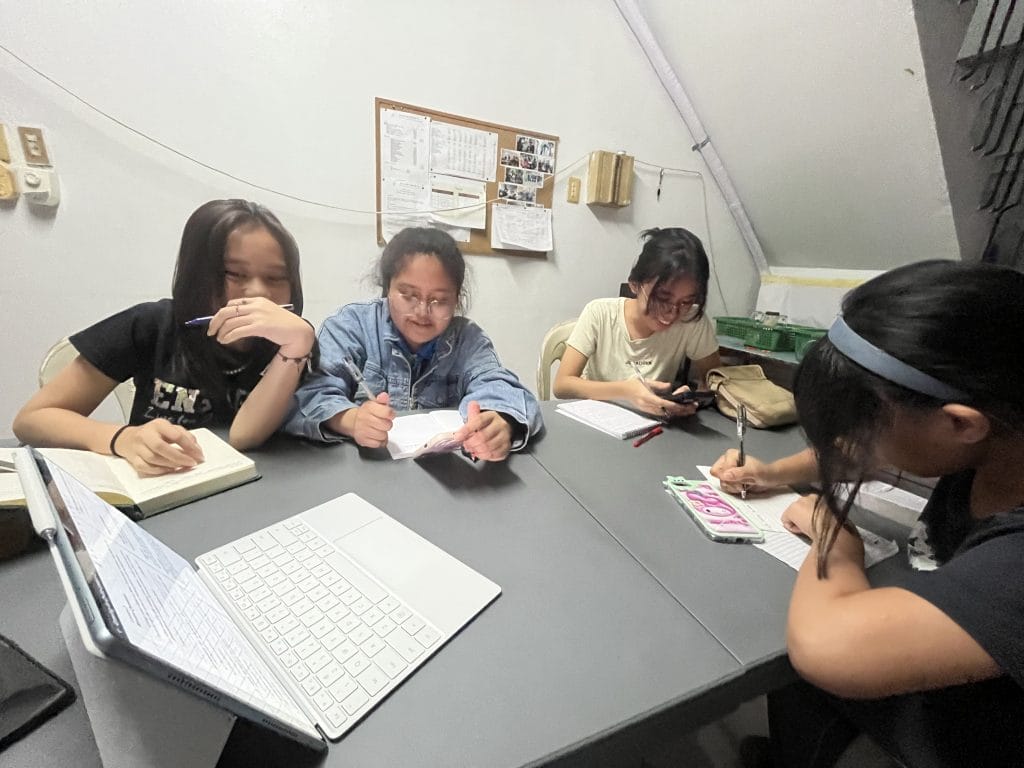
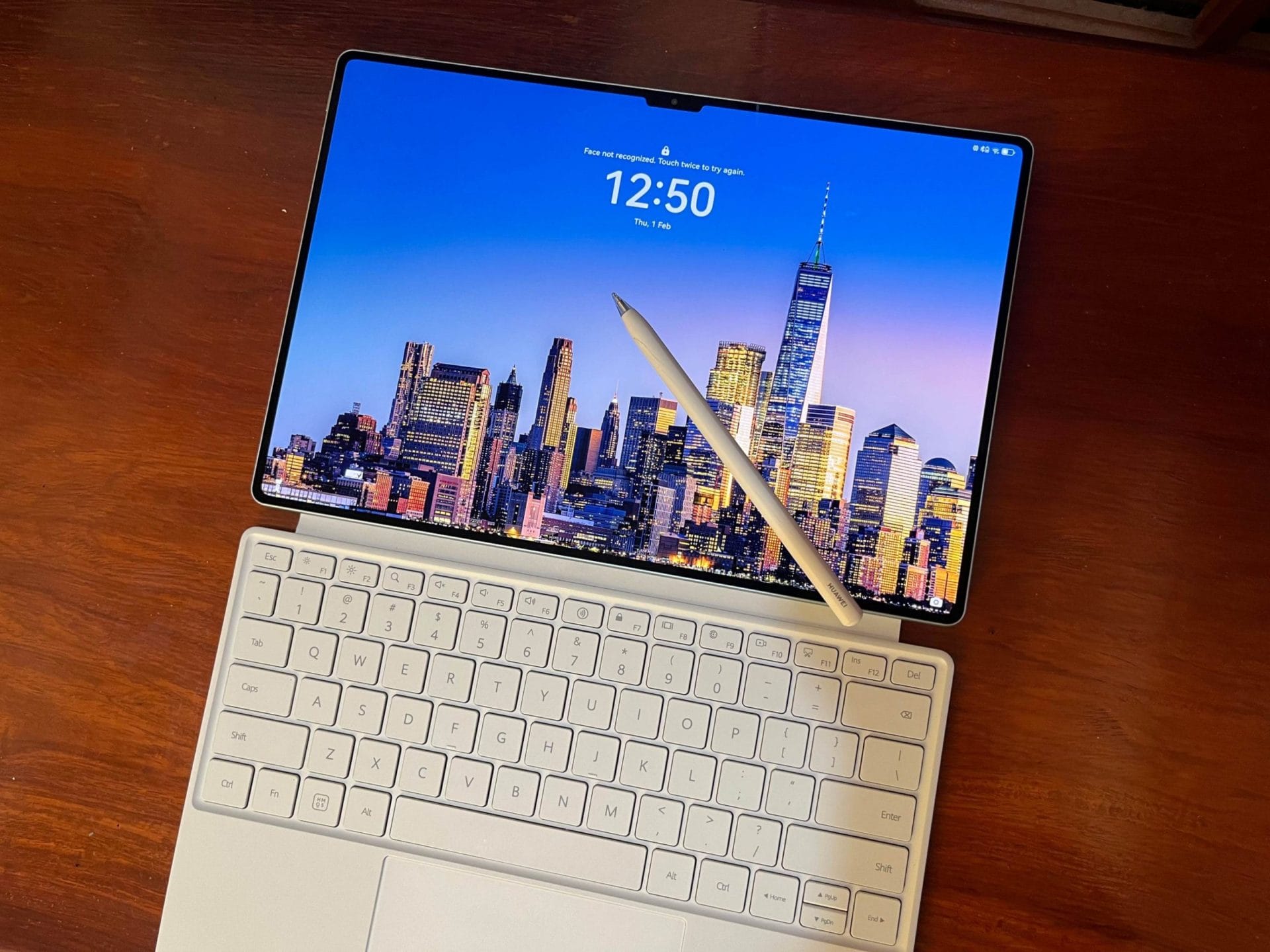
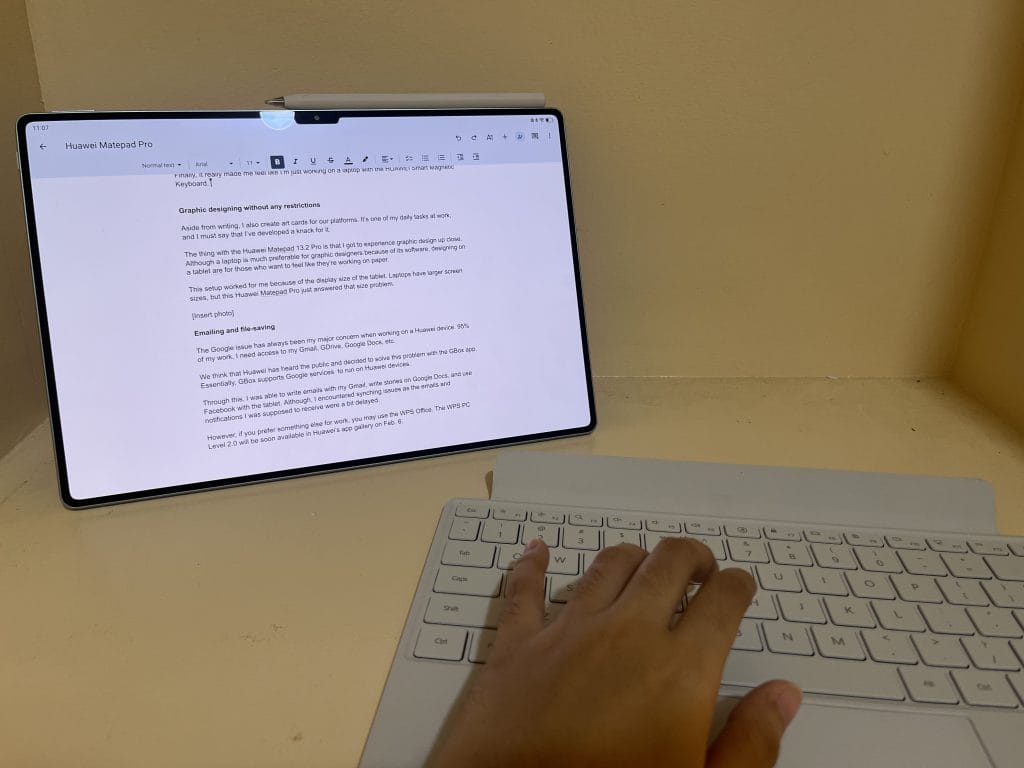
Lastly, it really made me feel like I was working on a laptop with the HUAWEI Smart Magnetic Keyboard. The keys were responsive and didn’t make any clacking sound—which could have distracted me and everyone else in the press room if it did.
I was also able to work remotely because the keyboard can be detached as it is only magnetic. I also didn’t have to worry about bringing a mouse as the keyboard has a built-in trackpad.
Graphic designing without any restrictions
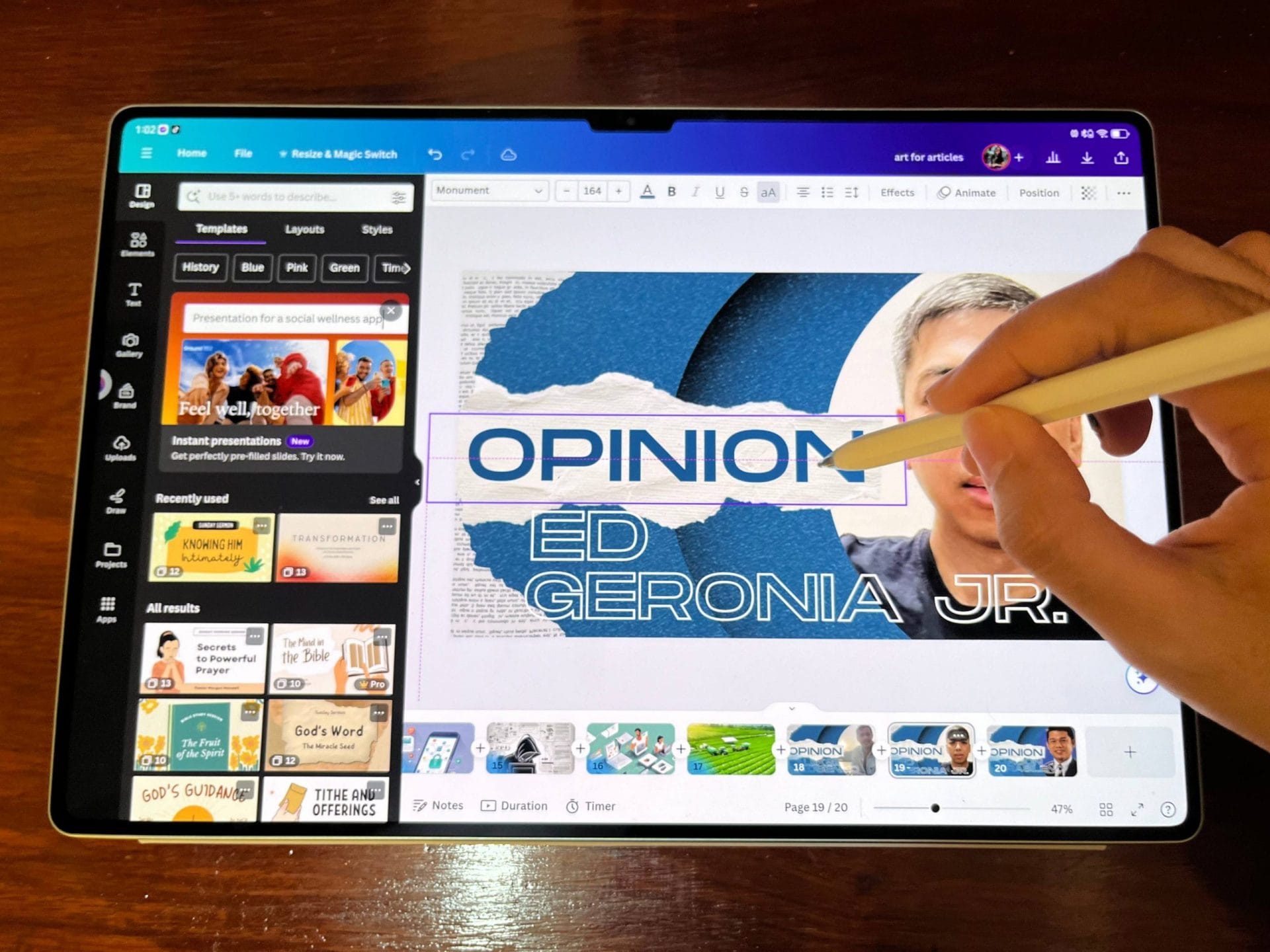
Aside from writing, I also create art cards for our platforms. It’s one of my daily tasks at work, and I must say that I’ve developed a knack for it.
The thing with the Huawei Matepad Pro 13.2 is that I got to experience graphic design up close. Although a laptop is much preferred for graphic designers because of its software, designing on a tablet is for those who want to feel like they’re working on paper.
This setup worked for me because of the display size of the tablet. Laptops have larger screen sizes which can make portability a bit of a problem but Huawei Matepad Pro fixes just that.
Emailing and file-saving
The Google issue has always been my major concern when working on a Huawei device. 95% of my work, I need access to Gmail, GDrive, Google Docs, etc.
Huawei has probably heard the public and decided to solve this problem with the GBox app. Essentially, GBox supports Google services to run on Huawei devices.
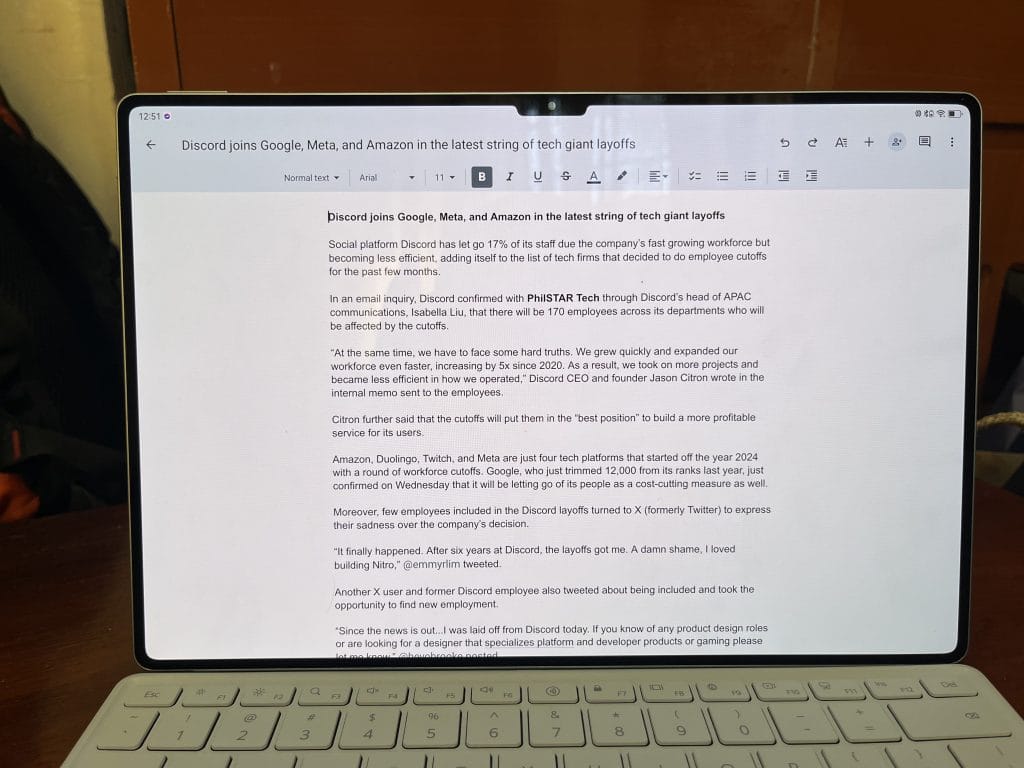
Through this workaround, I was able to write emails with my Gmail, write stories on Google Docs, and use Facebook on the tablet. However, I did encounter syncing issues as the emails and notifications in my other devices were a bit delayed in the tablet.
If you prefer something else for work, you may want to use WPS Office. WPS PC Level 2.0 is now available in Huawei’s App Gallery.
The only thing that might keep you from considering this tablet for work is that it doesn’t have a sim card slot. If you’re working in a no-wifi area, you’ll need to bring your own pocket wifi or a phone with data.
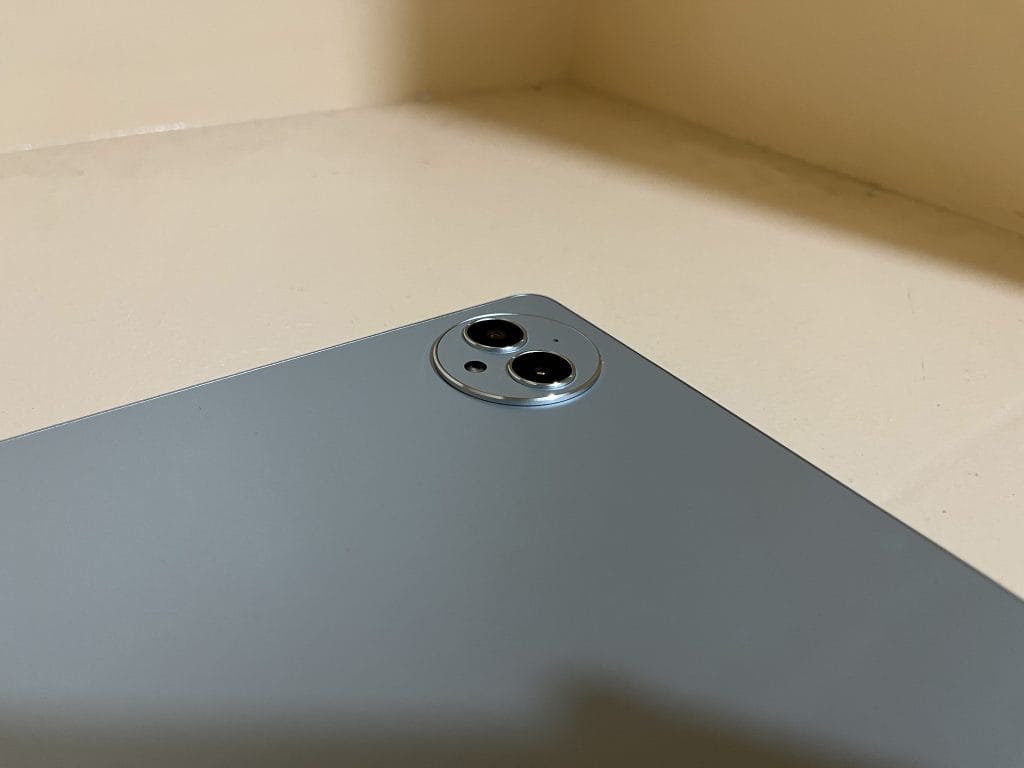
Still, the tablet was a delight as it made my job as a content producer a lot easier. As someone who works in the media, I’ve already conditioned myself to expect a lot of moving around. And to always be “on the move,” you’ll need tools that won’t weigh you down.
