


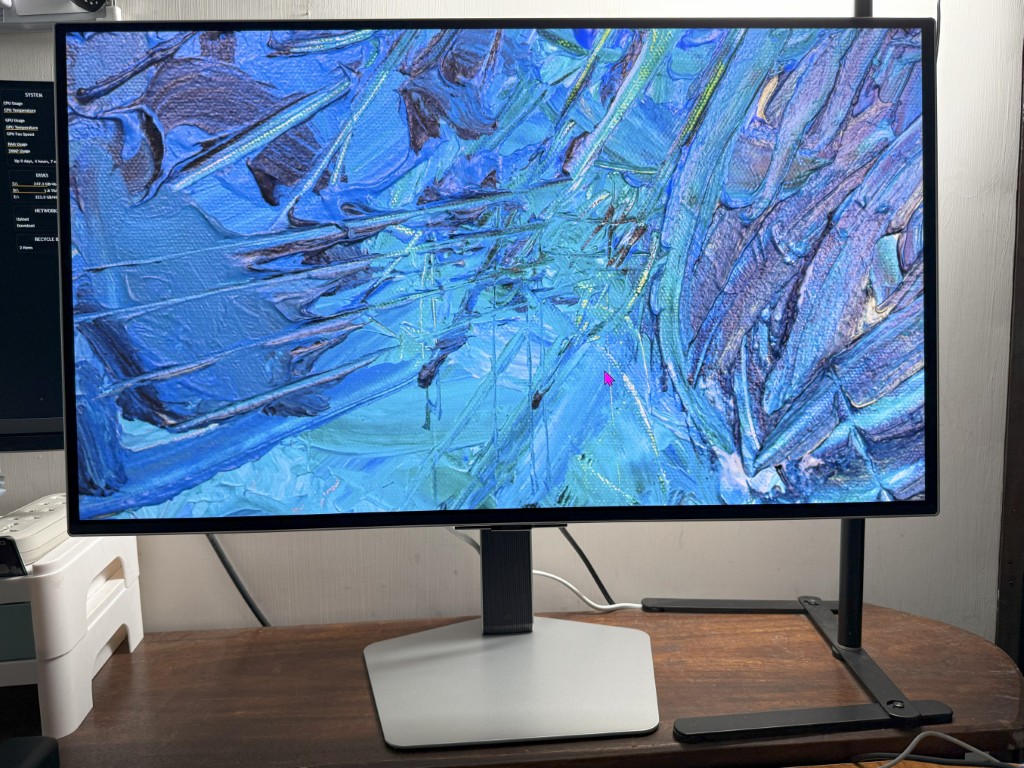
As someone who works in tech, I’ve always approached gadgets with a healthy dose of practicality. I don’t automatically go for the most expensive or spec’d-out gear. If it’s good enough for what I need, that’s usually where I stop. For years, my 1080p 144Hz monitors served me just fine. Clean, responsive, and more than capable for both work and play.
So when the Samsung Odyssey OLED G8 landed on my desk, I honestly didn’t think much of it beyond “cool, this should be fun to try.” I’d always thought people who insisted on ultra-high-res monitors were kind of… dramatic? Like, really? You’ll go blind without 4K? Calm down, Karen.
Fast forward a month later—I’m now that person.
Picture Quality: The spoiling is real
The 32″ Odyssey OLED G8 features a stunning 4K UHD QD-OLED panel with 166 pixels-per-inch, and yes, the difference is visible even to someone who thought 1080p was perfectly fine. The near-infinite contrast, HDR True Black 400, and glare-free screen make everything look cinematic, vibrant, and punchy, whether I’m writing, gaming, or streaming my shows.
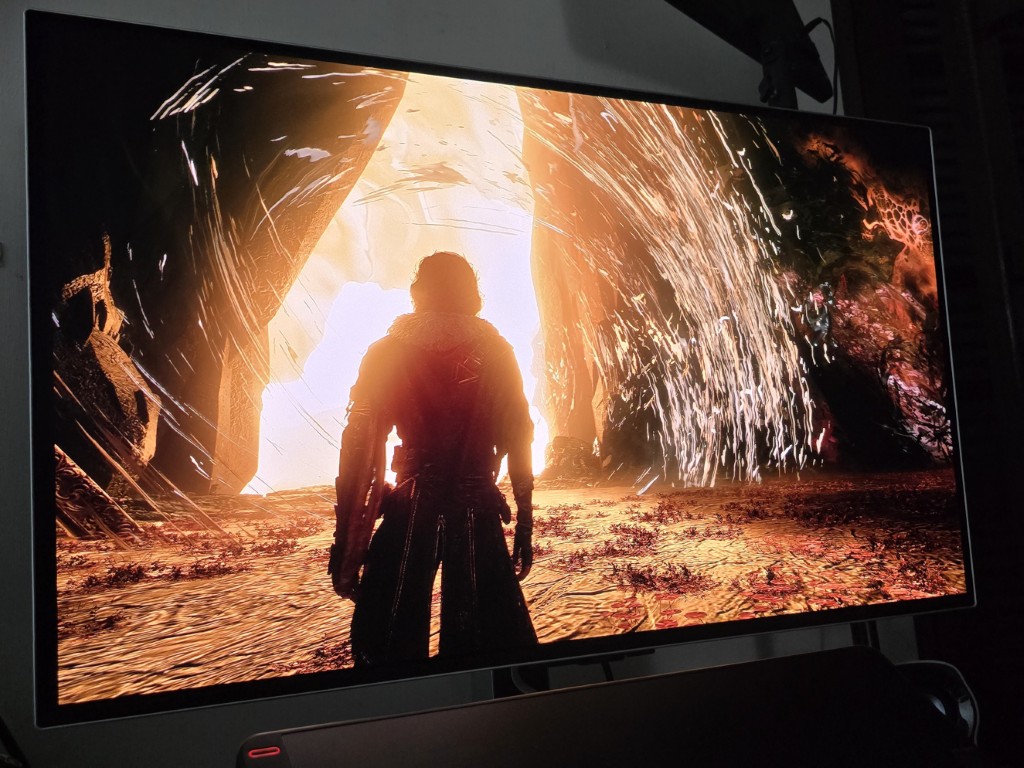
I’ve been using this daily for the past month, and I’m already dreading the day I have to go back to my old monitor.
Even mundane things like scrolling through documents or editing photos suddenly feel premium. And don’t get me started on gaming.
Game Performance: Now I understand the hype
I used to roll my eyes at FPS gamers who insisted that better monitors made them better players. I thought it was just more hardware elitism. But after using this OLED G8, I get it now.
With its 240Hz refresh rate and ultra-low 0.03ms response time, I could see every tiny detail with stunning clarity. While playing Clair Obscur: Expedition 33, the crispness of the visuals made it so much easier to react to QTEs and environmental cues. It genuinely felt like the monitor was helping me play better.
AMD FreeSync Premium Pro ensured buttery-smooth gameplay with no screen tearing. And even though it’s not G-SYNC certified, it worked flawlessly with my NVIDIA card.
Burn-in protection you don’t notice (which is the point)
Samsung’s OLED Safeguard+ combines a Dynamic Cooling System, Pulsating Heat Pipe, Logo Detection, and more, keeping the panel cool and safe without distracting fan noise or dimming the brightness.
One clever feature is Logo Detection, which automatically reduces the brightness of static elements like HUDs, app icons, or broadcaster logos after a short time. This helps prevent uneven wear on the OLED pixels, especially useful during long gaming sessions or while using software with persistent UI.
I tend to leave my monitors on and idle for hours, especially during work days or when multitasking, so having this kind of protection working quietly in the background is something I really appreciate. I didn’t even notice it was happening. The screen just stayed cool, clean, and sharp the whole time.
Build and Design: Sleek and premium
This thing looks good.
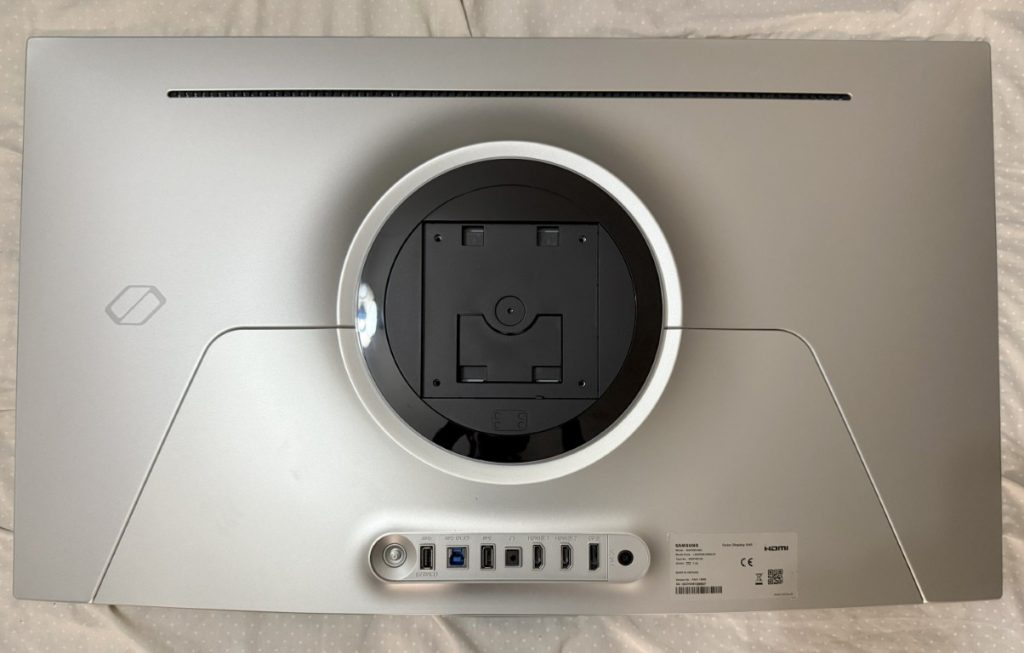
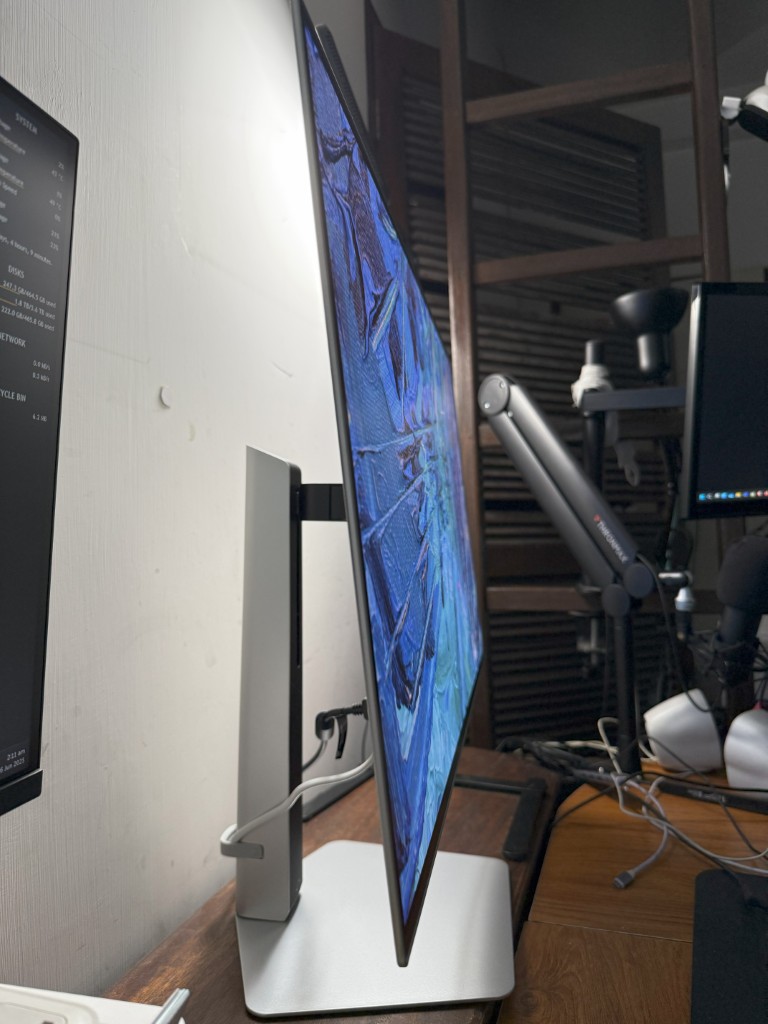
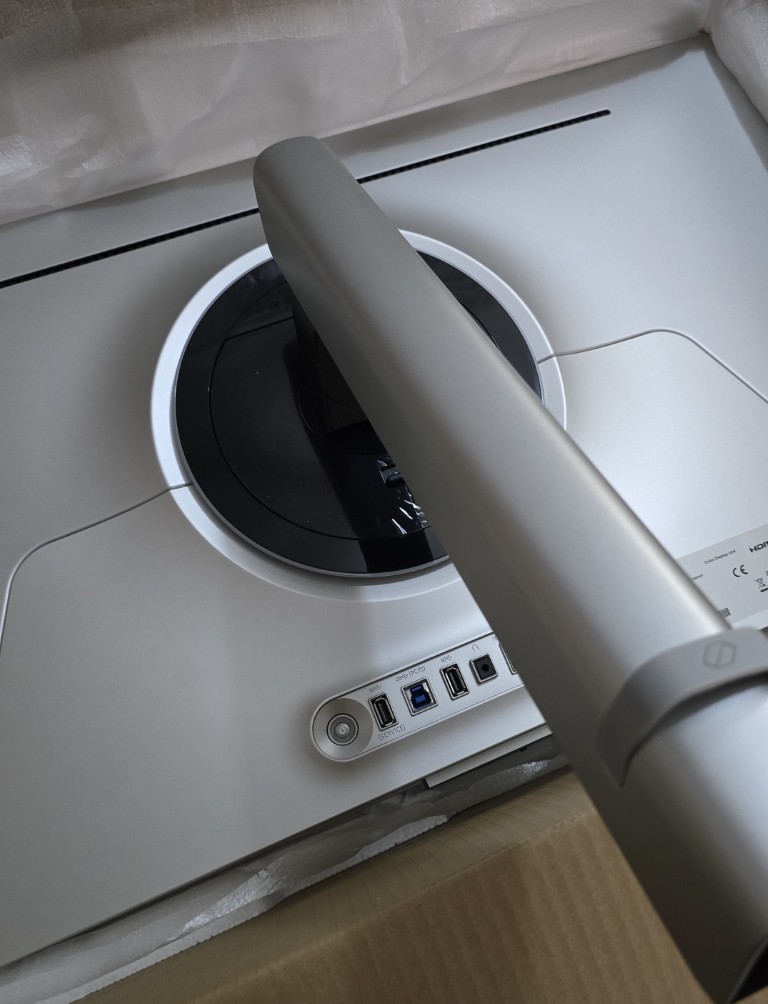
The ultra-slim metal frame feels solid and high-end, without going overboard on gamer aesthetics. No unnecessary frills, no RGB overload. Just a clean, minimalist design that blends beautifully into any workspace or gaming setup. It’s the kind of display that elevates your desk just by being there.
What you don’t get
Here’s the trade-off: this is strictly a performance-focused monitor.
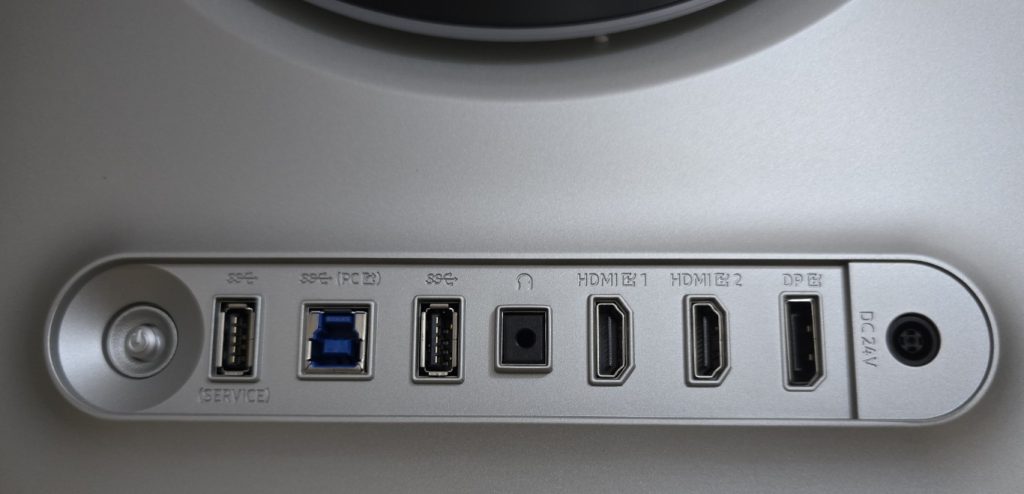
There’s no built-in Tizen OS, no USB-C ports, no KVM switch, and no built-in speakers. If you’re looking for a hybrid monitor-TV with smart features or all-in-one connectivity, this isn’t it. This is a high-performance display made for people who know exactly what they want and already have the gear to match.
The Reality Check: You need serious hardware
If you’re planning to get this monitor, you need a beast of a PC.
My own rig (an AMD Ryzen 7 3700X with an NVIDIA 3080 GPU and 32GB RAM) was high-end five years ago, and even then, I could hear the GPU screaming during 4K gaming. I usually run a 4-monitor setup, but had to unplug one just to keep things stable. This monitor will push your system, and then some.
No going back now
Is this a must-have? No.
Is it a luxury display that spoils your eyes and ruins lesser monitors forever? Absolutely.
If you’re a gamer or creative with the rig to support it (and the budget to match) the Samsung Odyssey OLED G8 is a fantastic WANT-tier upgrade. Just be warned: you may never settle for “good enough” again.
Where to buy
In the Philippines, the 32″ Odyssey OLED G8 (G81SF) is available for ₱78,199.15.
You can purchase it directly from samsung.com/ph or through any of Samsung’s authorized retailers nationwide.
