


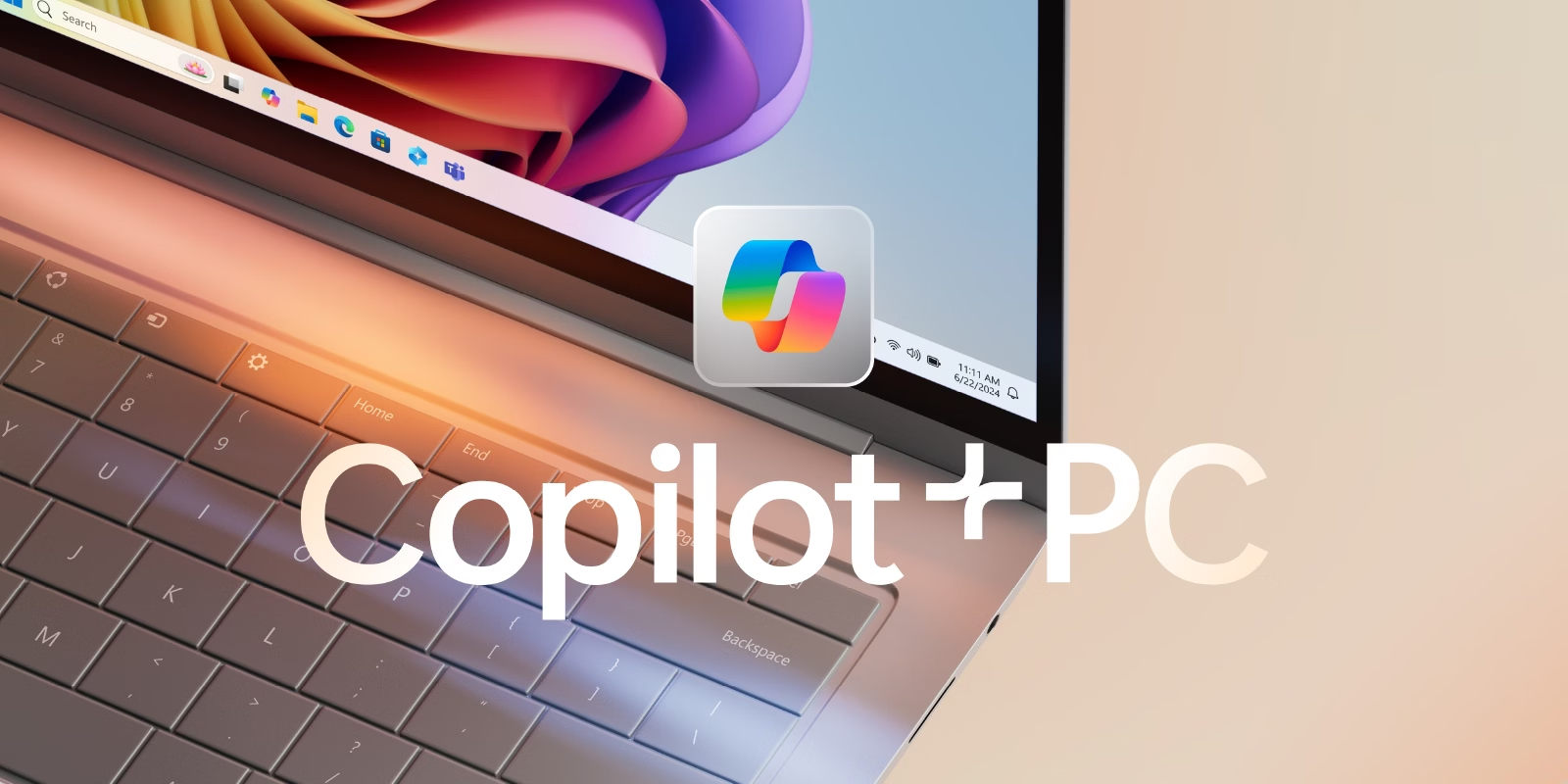
Remember Clippy on your Windows 98 machine? Back in the 90’s we had a helpful animated paper clip that would assist us in Microsoft Office tasks. Fast forward to today, Clippy has evolved into an AI companion that you can talk to. Not only is it your “copilot” in productivity, it’s also a personal assistant for things outside work like planning meals and vacations.
All this is possible with the new Copilot+PC for Windows 11. But how do you know if your computer has these features?
More than just a marketing label, Copilot+PC represents a fundamental shift in how hardware and software work together. By integrating specialized AI hardware directly into the device, Microsoft and its partners are moving away from cloud-reliant AI toward a future of local, lightning-fast intelligence.
How to Identify a Copilot+PC device
To qualify for this elite category, a device must meet rigorous performance benchmarks established by Microsoft. If you are shopping for a new computer, here are the key specifications to look for:
- The Neural Processing Unit (NPU): This is the heart of a Copilot+ PC. While your CPU handles general tasks and your GPU manages graphics, the NPU is a dedicated engine designed solely to process AI functions locally.
- The 40 TOPS Standard: “TOPS” stands for Trillions of Operations Per Second. To be a Copilot+ PC, the NPU must be capable of at least 40 TOPS. This ensures the device has enough power to handle complex AI tasks without lag.
- Windows 11 Integration: These devices are built specifically to run on the latest versions of Windows 11, which is optimized to distribute workloads to the NPU.
- The Physical Mark: The easiest way to tell is to look for the official Copilot+ PC logo on the product box or the device’s palm rest. You can also verify the NPU and TOPS rating on the manufacturer’s spec sheet.
The Performance Advantage
The primary benefit of these specs is Offline AI Processing. Because the hardware is so powerful, your PC no longer needs to send your data to the cloud for tasks like natural language processing or image recognition. This leads to better privacy, lower latency, and the ability to use advanced features even without an internet connection.
Productivity: “Clippy on Steroids”
Using a Copilot+ PC feels like having a highly skilled executive assistant living inside your machine. It enhances productivity through several key features:
- Recall: This acts as a “photographic memory” for your computer. It takes constant snapshots of your activity, allowing you to “time travel” to find a lost file or a specific website you visited days ago just by describing it.
- Advanced Content Creation: Within Microsoft 365, Copilot can instantly draft summaries, suggest catchy titles, or fill in missing sections of an article.
- Creative Power: For designers, the NPU enables real-time image generation and “Restyle” features in the Photos app. You can transform a photo into a “Japanese manga” or a “1970s comic” style instantly, with the AI acting like a talented artist guiding your brushstrokes.
- Simplified Management: You can ask your PC to help with its own settings—like finding the camera lock—or even discuss strategies for a better work-life balance.
Ultimately, a Copilot+ PC turns your computer from a passive tool into a proactive partner, ensuring that your cup of productivity always has the potential to overflow.
For more information on CoPilot+PC devices check out our partner vendor stores below.